
Why am I seeing “403. That’s an error” when trying to install the application domain-wide?
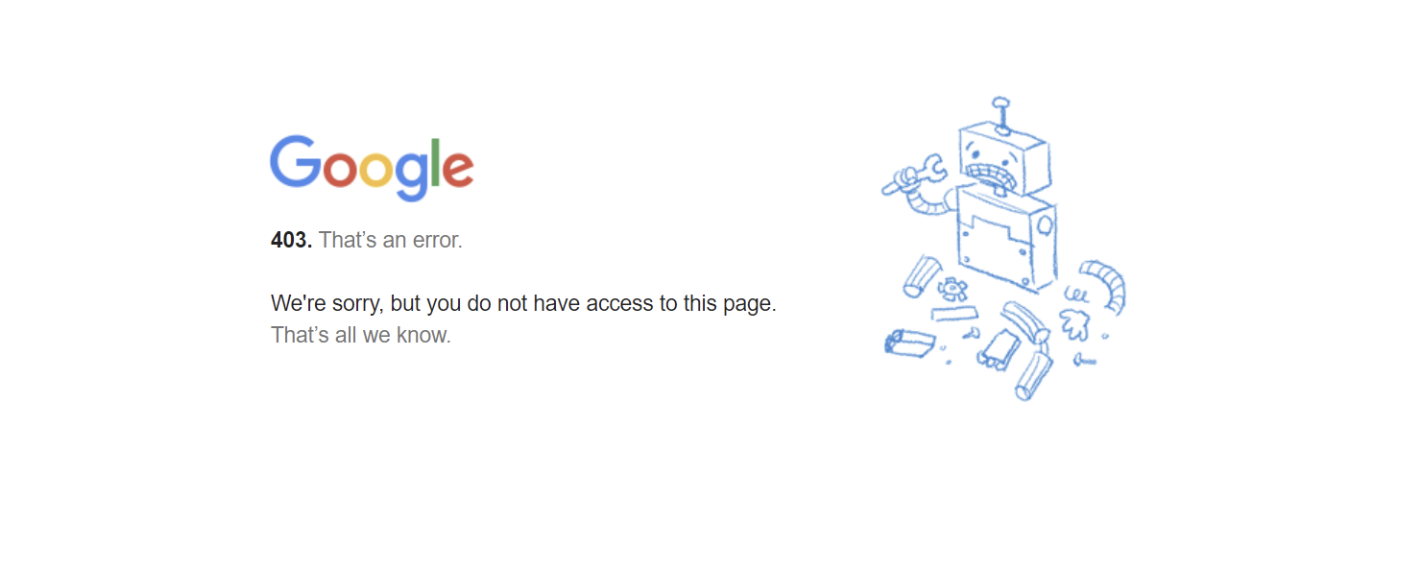
This error usually means you don’t have permission to open the page. The most common reason is that your browser’s cookies or cache are blocking access to Google services. Here’s how to fix it:
1. Try Incognito Mode or another browser
-
Open an incognito window or switch to a different browser.
-
If the error goes away, your cache or cookies are likely the problem.
2. Clear your browser’s cache and cookies
-
If the error continues in your regular browser, clear your cache and cookies.
After clearing them, restart your browser and try again. If you still see the error, check your Google Workspace permissions or ask your administrator for help.